01
Customer Portals
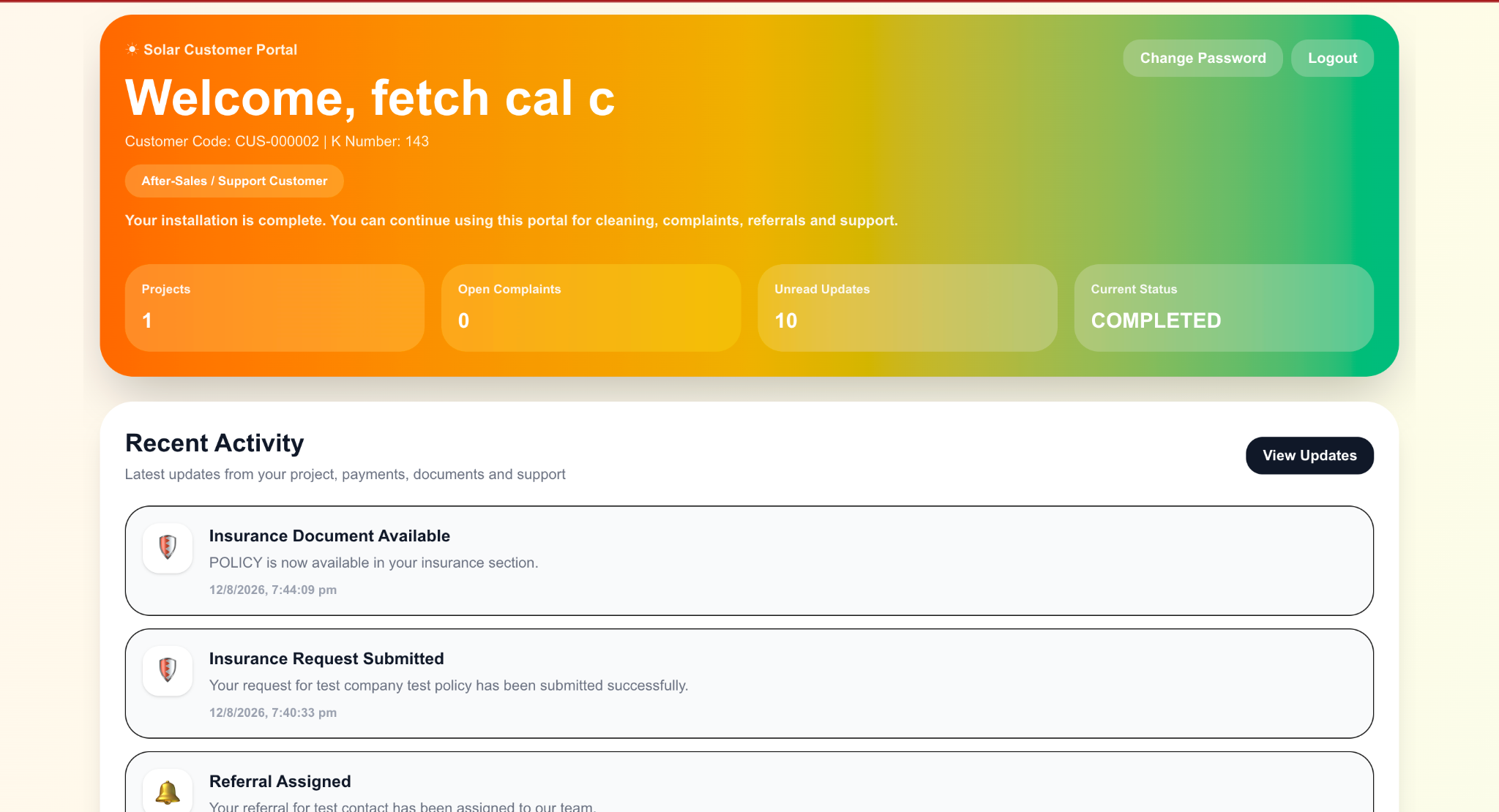
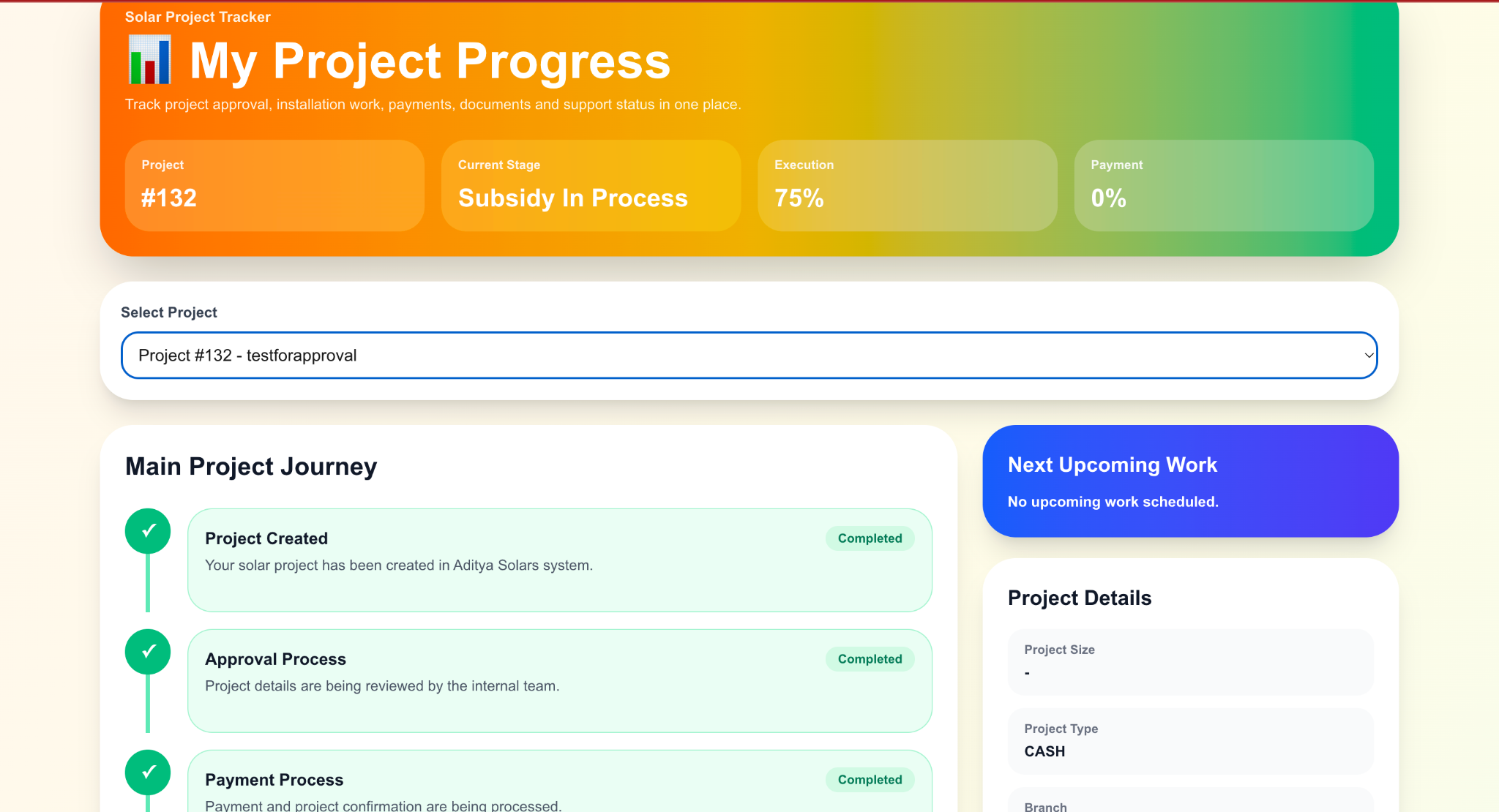
Give customers secure access to relevant projects, payments, documents, complaints, service requests, updates, and account information.
Project tracking
Payment visibility
Document access
Complaints & support
We build customer, dealer, partner, contractor, and self-service portals connected to the information and workflows already running inside your business.
Portal solutions
Each group can receive a purpose-built portal instead of exposing the complexity of the internal business system.
Give customers secure access to relevant projects, payments, documents, complaints, service requests, updates, and account information.
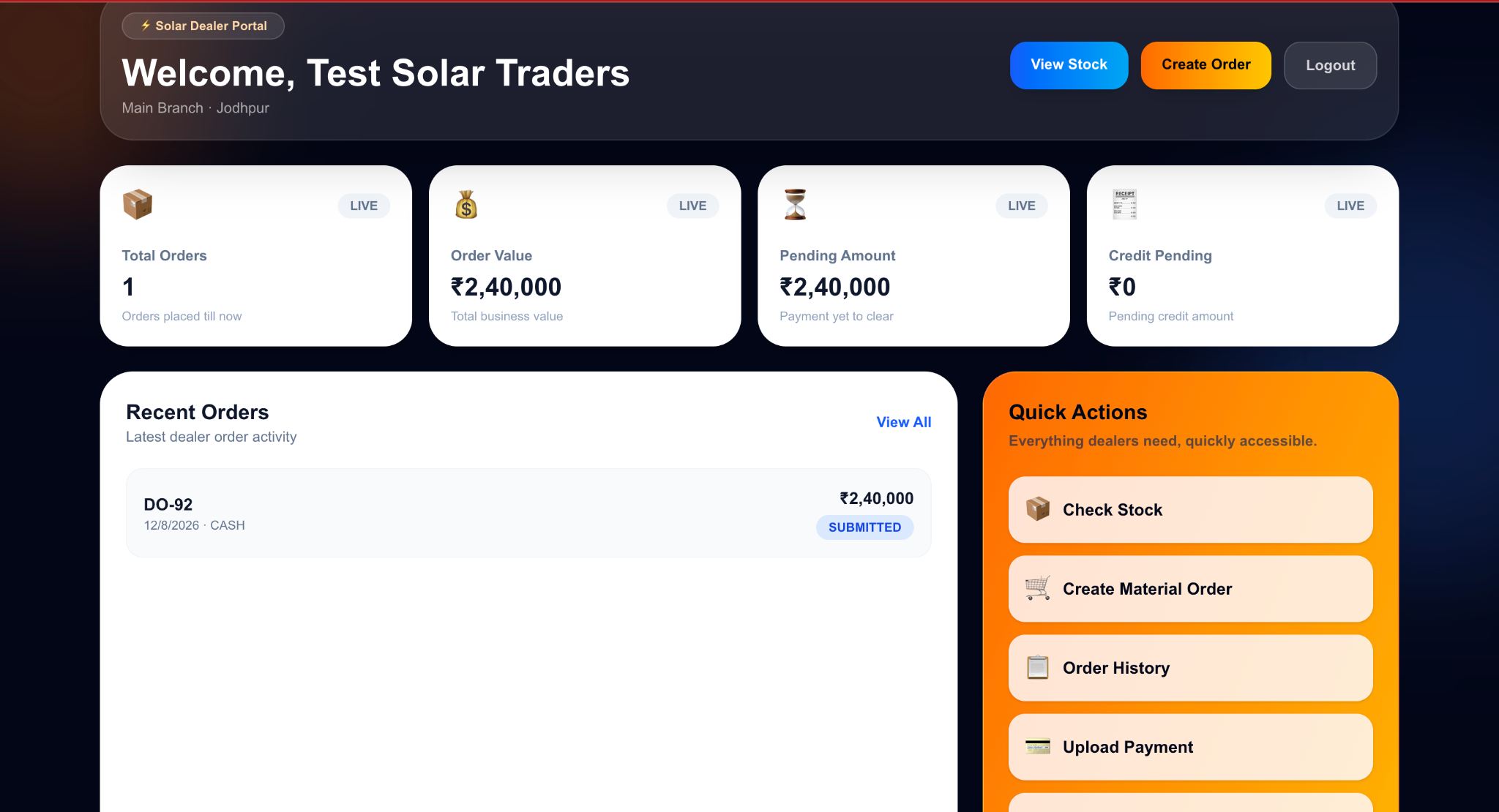
Connect dealers with stock, orders, documents, payments, account information, and operational updates through a dedicated business interface.
Provide contractors, franchises, vendors, agents, or business partners with access only to the workflows and information relevant to them.
Give employees and operational teams controlled access to requests, approvals, documents, activity, and internal business information.
Common portal capabilities
Portal permissions can be designed around each user group, account, project, dealer, organisation, or business role.
Secure login
Role-based permissions
Dashboard summaries
Project visibility
Order visibility
Document access
Payment information
Complaint tracking
Notifications
Search & filters
File uploads
Mobile-friendly interface
Connected ecosystem
Customer and partner platforms can use the same business information already maintained by your central software.
That means a project update recorded internally can become visible to the right customer, while dealer orders, payments, documents, requests, and other workflows remain connected to operations.
Customer, project, inventory, payment, document, and operational data can come from the central business platform.
Explore →The same business workflows can also be made available through dedicated Android applications where appropriate.
Explore →Portal actions can trigger notifications, approvals, reminders, status changes, and connected operational workflows.
Explore →Business value
Customers and partners can access relevant information directly instead of repeatedly contacting staff for routine status updates.
Each user only sees the projects, orders, documents, payments, or workflows allowed by their account and business role.
Portal information can come directly from the CRM, ERP, project system, inventory, payment, or operational platform.
A dedicated portal gives users a structured place for updates, documents, requests, complaints, and ongoing business interaction.
Development process
01
We identify whether the users are customers, dealers, vendors, contractors, employees, franchises, or another partner group.
02
Projects, documents, payments, stock, orders, requests, complaints, and other information are mapped to the correct permissions.
03
The portal is connected to the CRM, ERP, backend APIs, or other suitable systems that provide the required business data.
04
The interface is designed around the exact actions and information each external or internal user group needs.
Portal development FAQ
A customer portal is a secure digital interface where customers can access information and actions relevant to their account, such as projects, payments, documents, service requests, complaints, or updates.
Yes. Where suitable APIs and access are available, the portal can use shared business data from CRM, ERP, project, payment, inventory, document, or other internal systems.
Yes. Different user groups can have completely different dashboards, permissions, information, and workflows while remaining connected to the same backend business platform.
Yes. Portals can support document and image uploads where the workflow requires users to submit proof, forms, files, or other business records.
Yes. If the backend system maintains current project or order information, the portal can display the relevant status and other permitted details.
Yes. Portals can be designed responsively so they remain practical on desktops, tablets, and mobile browsers.
Build your portal
Tell us who will use the portal, which information they need, and what existing systems it should connect with.